

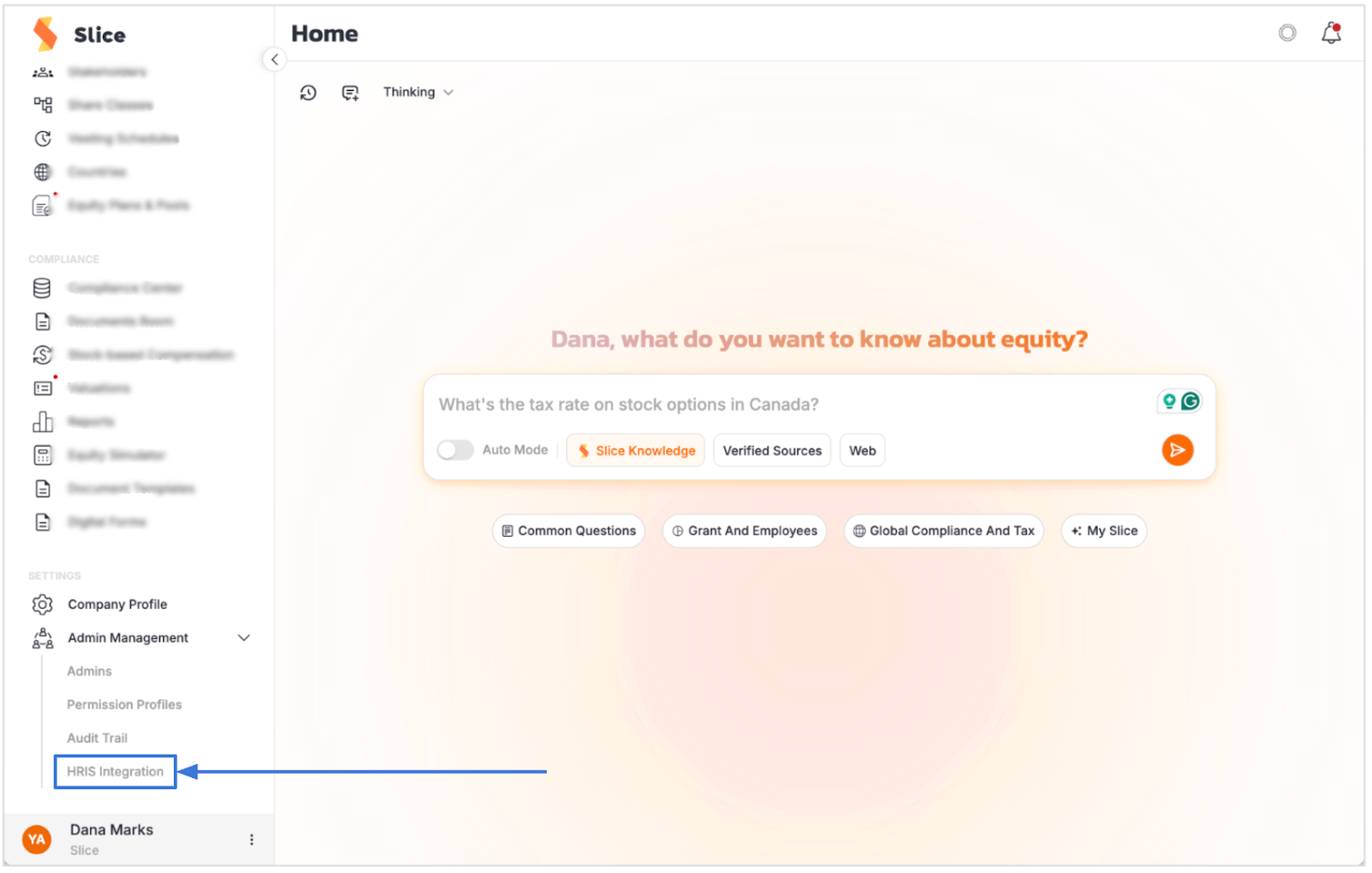
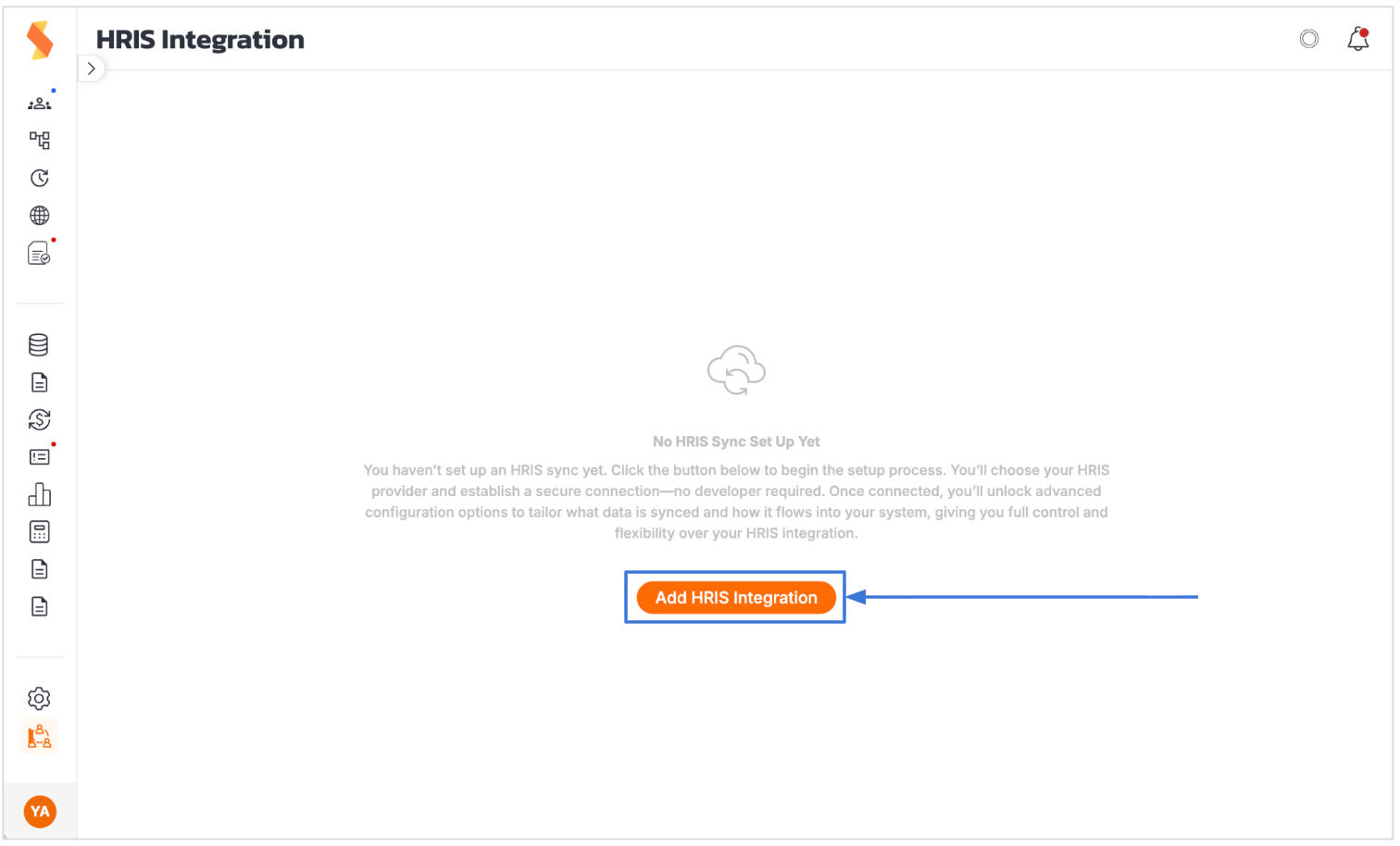
4. Click on the “Add HRIS” Integration button
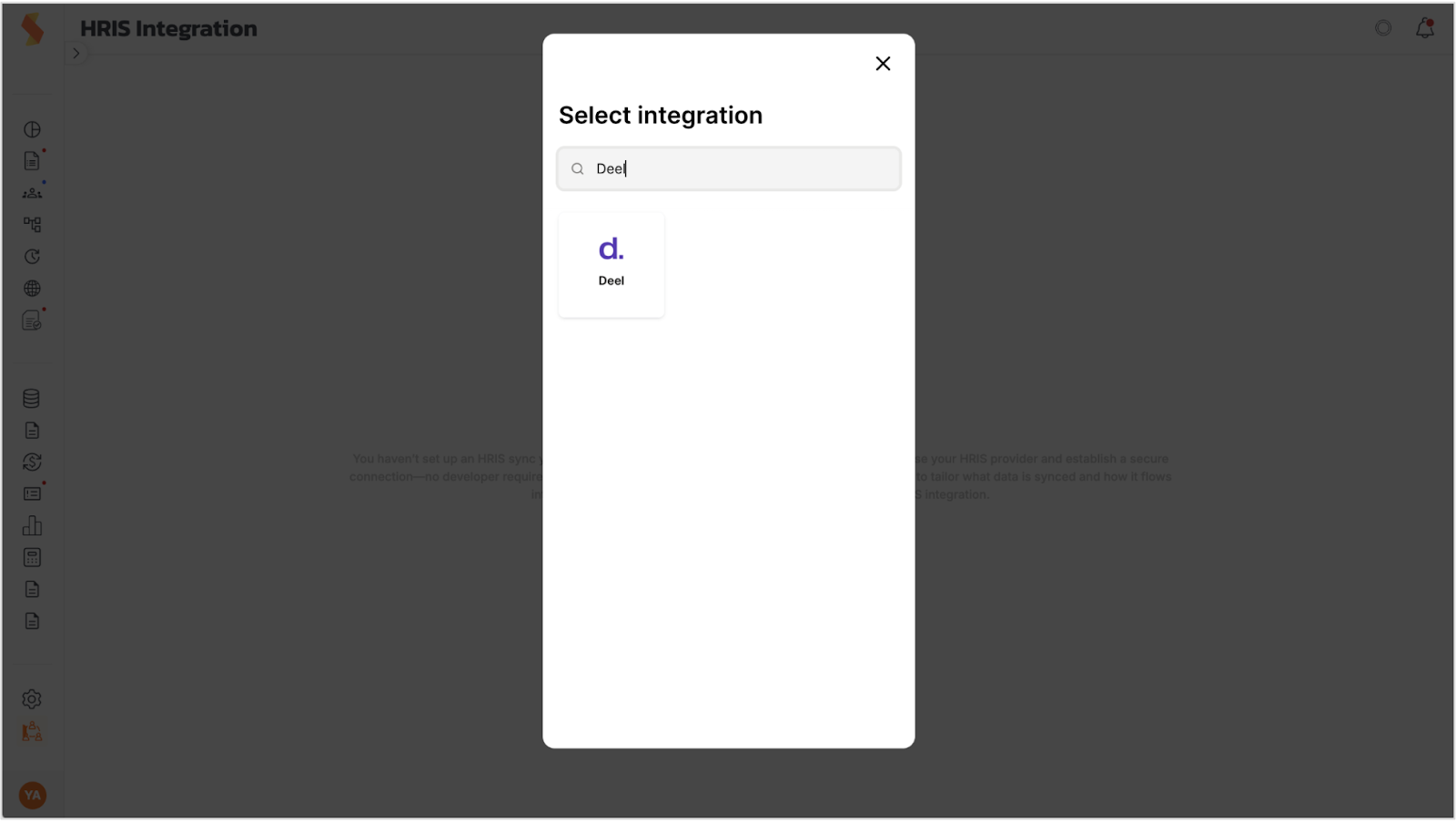
5. Select Deel from the integration list
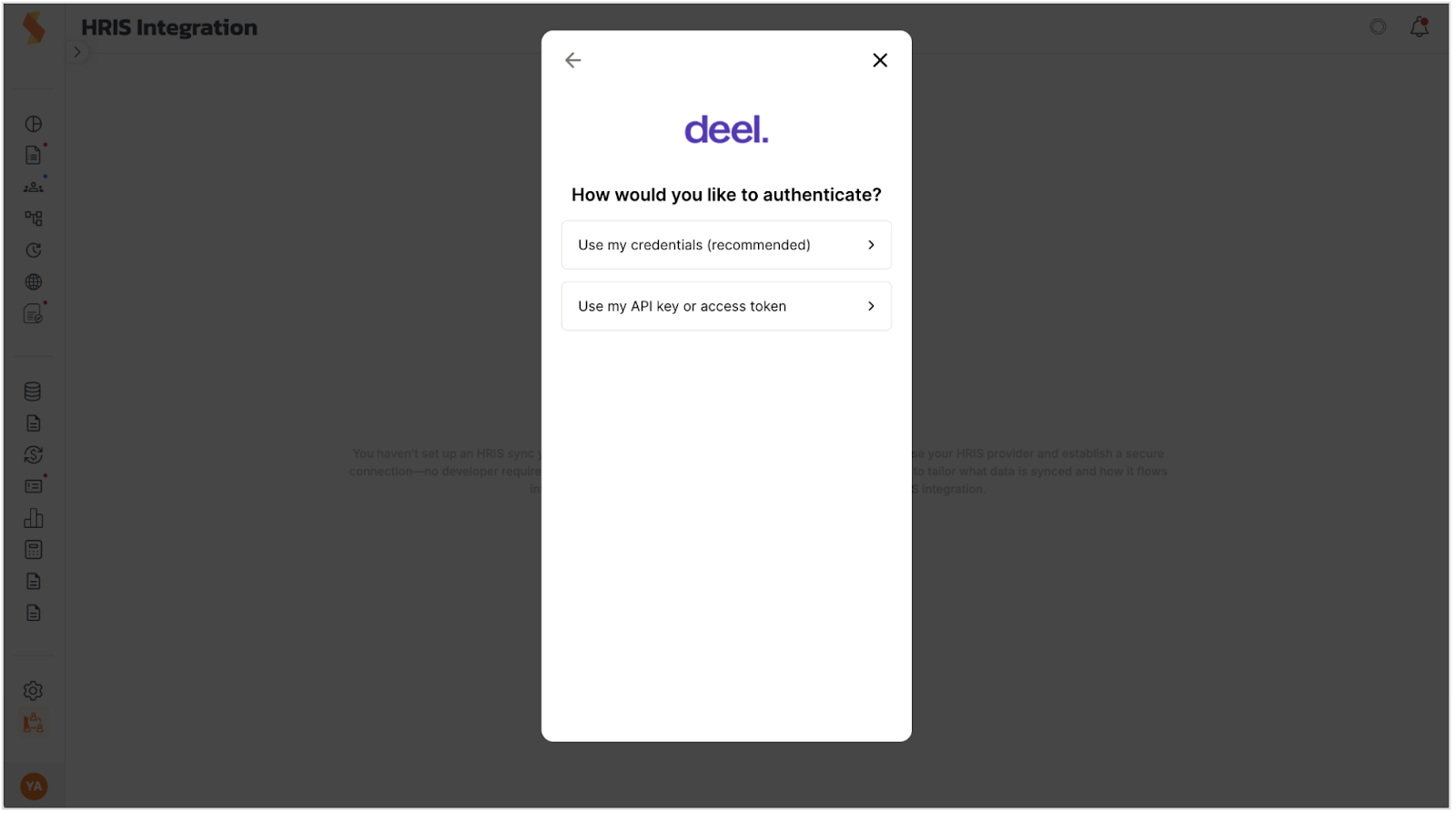
6. Select “Use my credentials” for authentication
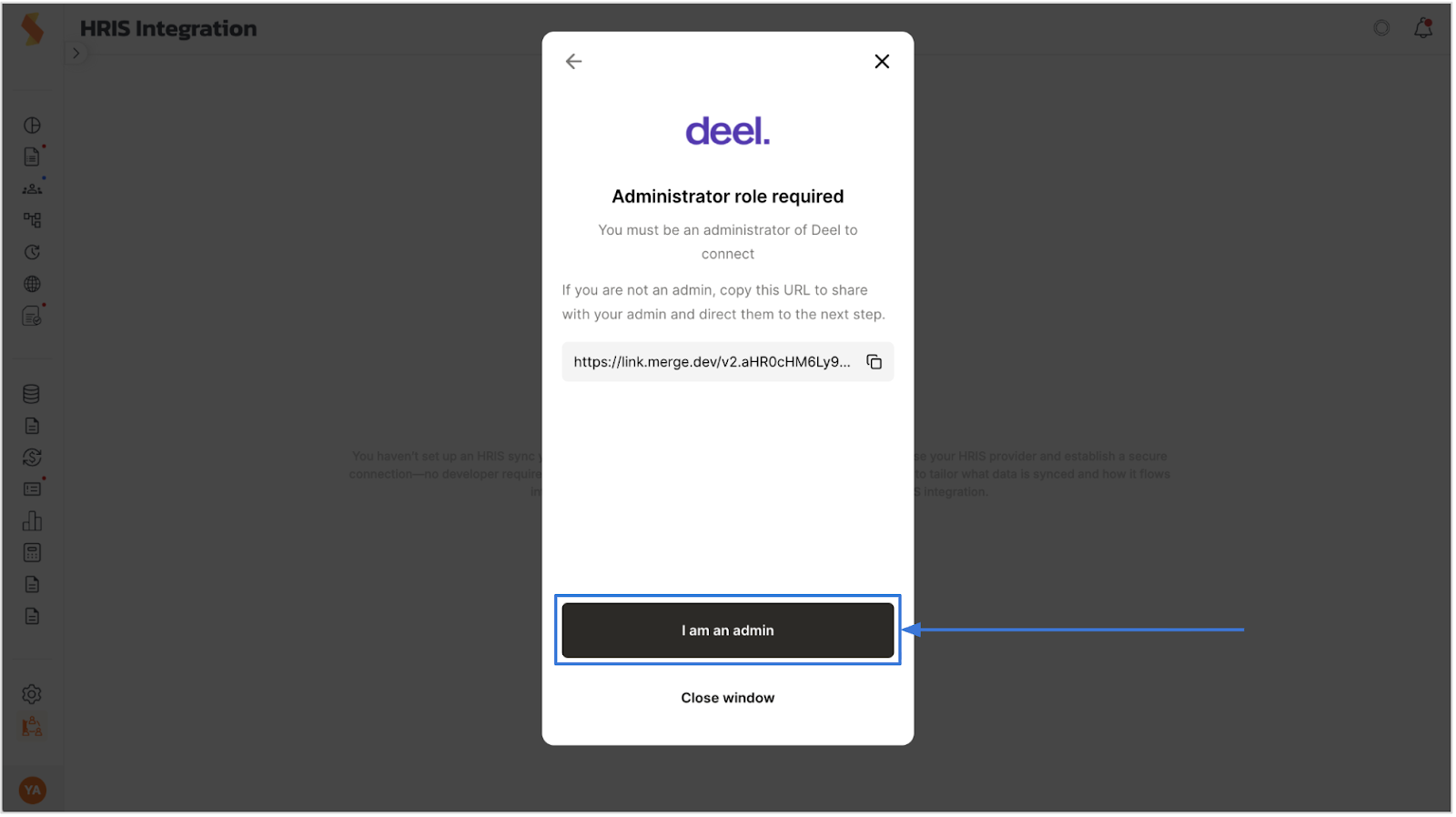
7. Approve that you are Admin
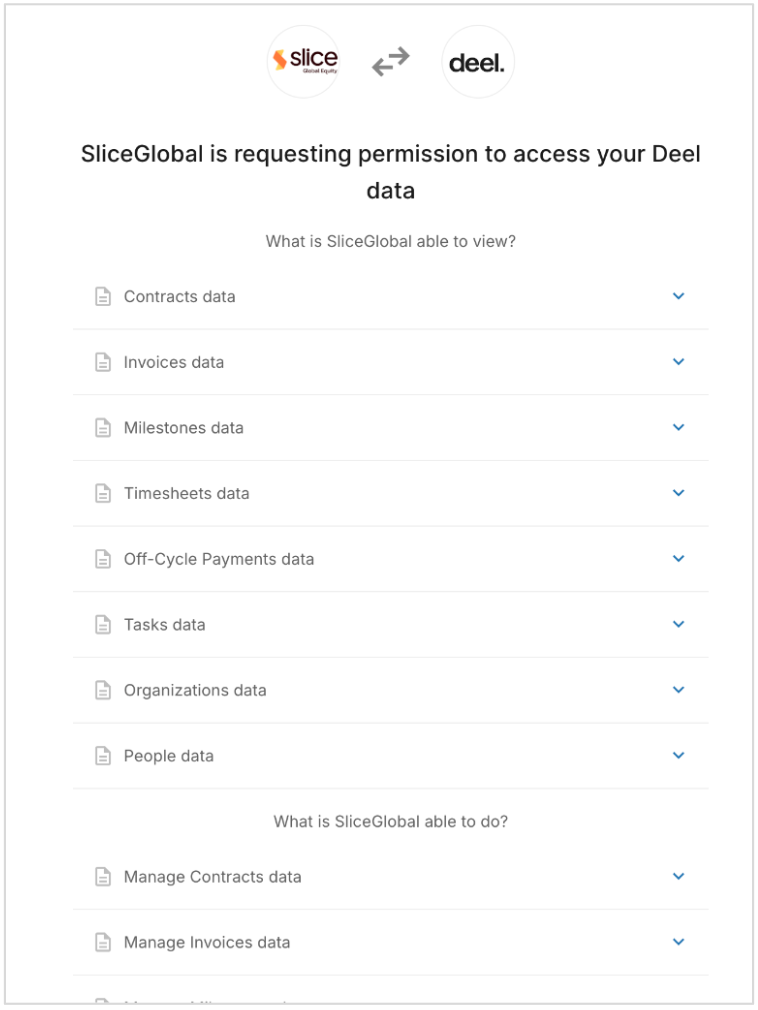
8. You will be routed to the permissions page, scroll down, and approve
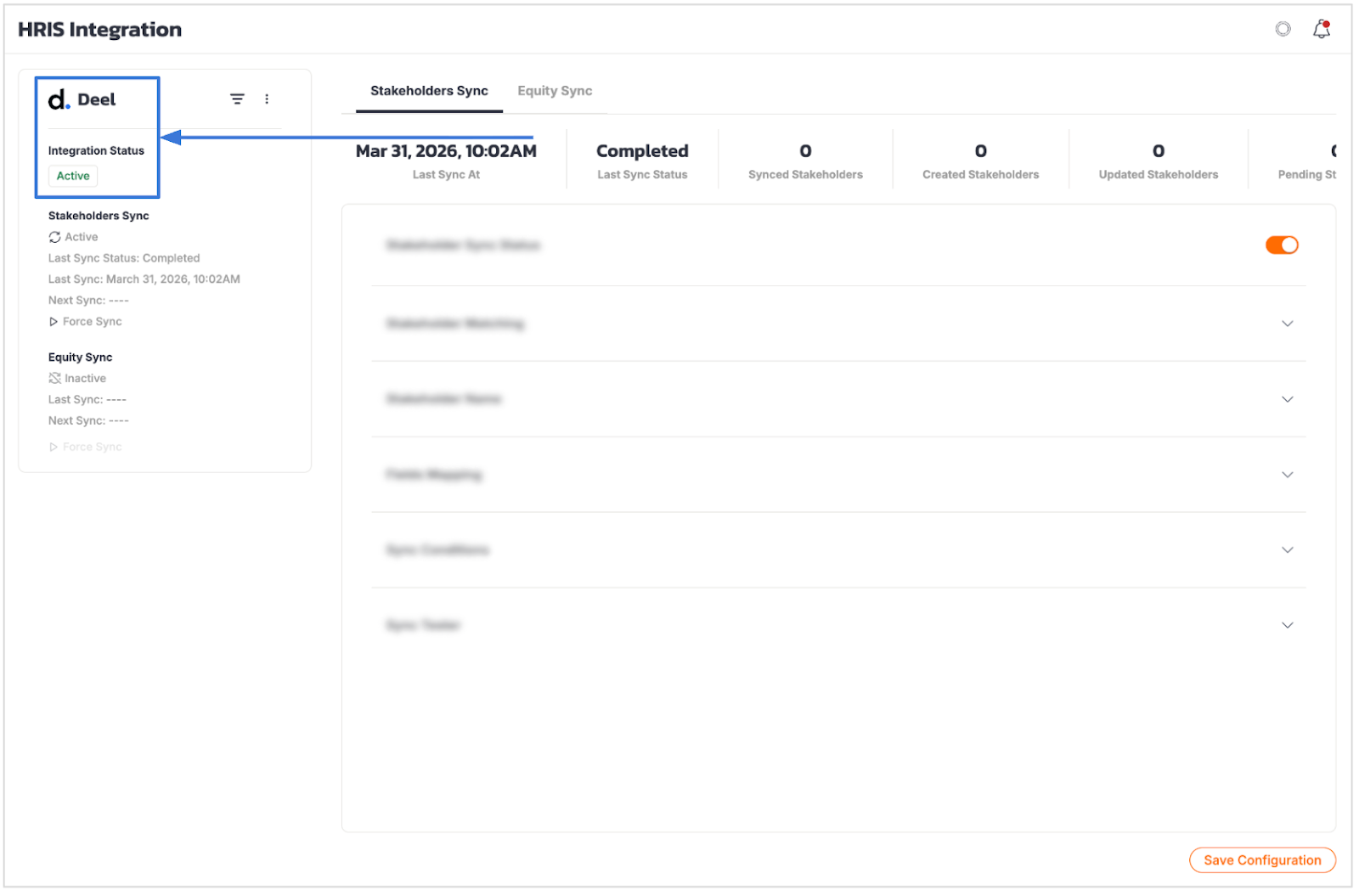
9. After a brief moment, the integration will be ready, and marked as active
Didn’t find what you were looking for? Have a question? Reach out to us at support@sliceglobal.com and we’ll be happy to help.
.svg)
