

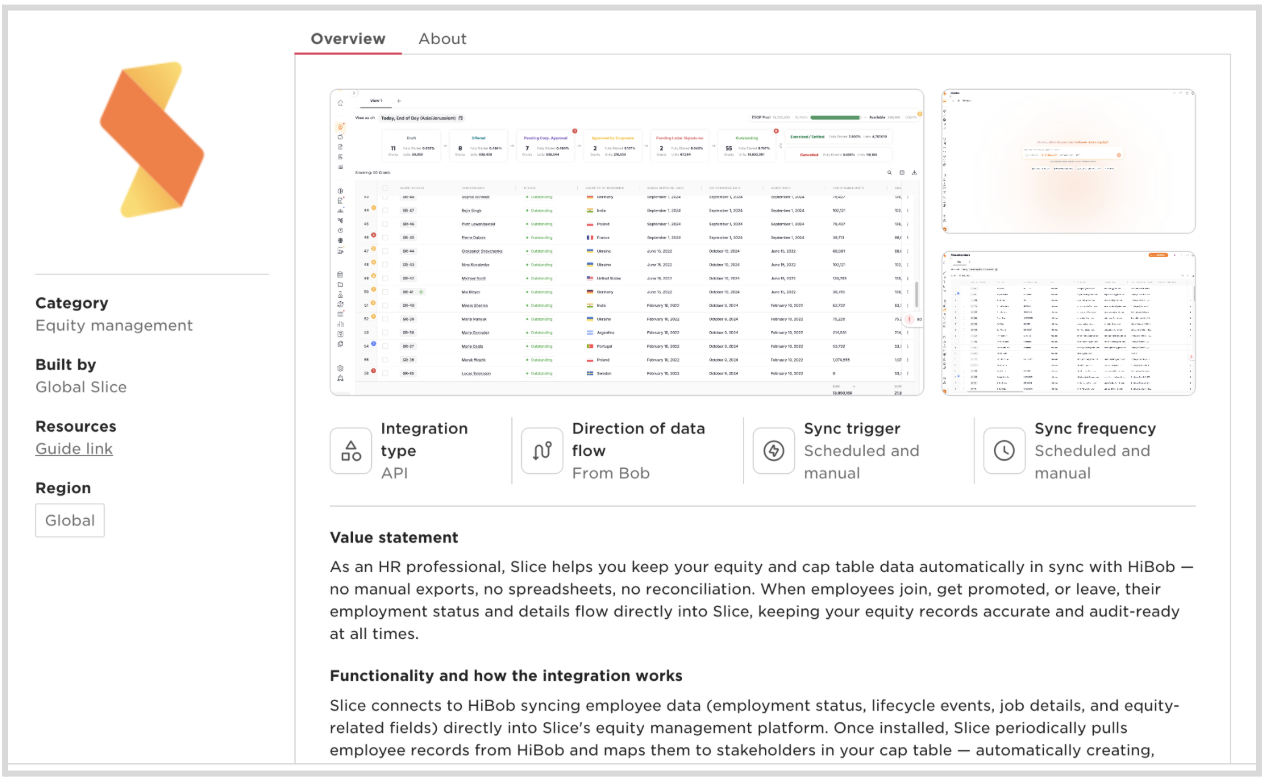
2. Click Install.
3. You will be redirected to the Slice login page. Log in using your preferred authentication method.

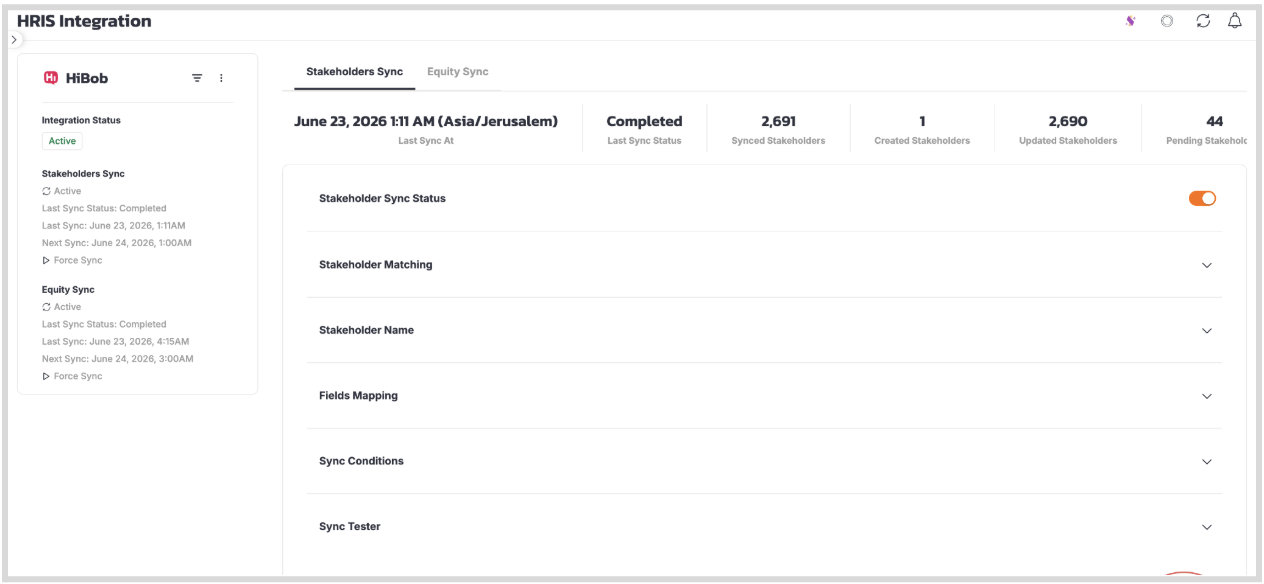
4. After logging in, you will be redirected to the Slice HRIS page, where you should see that the HiBob integration has been successfully configured (Active tag on the left-hand side).
Didn’t find what you were looking for? Have a question? Reach out to us at support@sliceglobal.com and we’ll be happy to help.
.svg)
